Ryubing Smooth Nintendo Switch Emulation
Ryubing is an experimental Nintendo Switch emulator project that allows users to run Switch games on PC platforms like Windows, Linux, and macOS. It is designed to deliver smooth performance and accurate emulation by improving existing technologies.
Supported Platforms
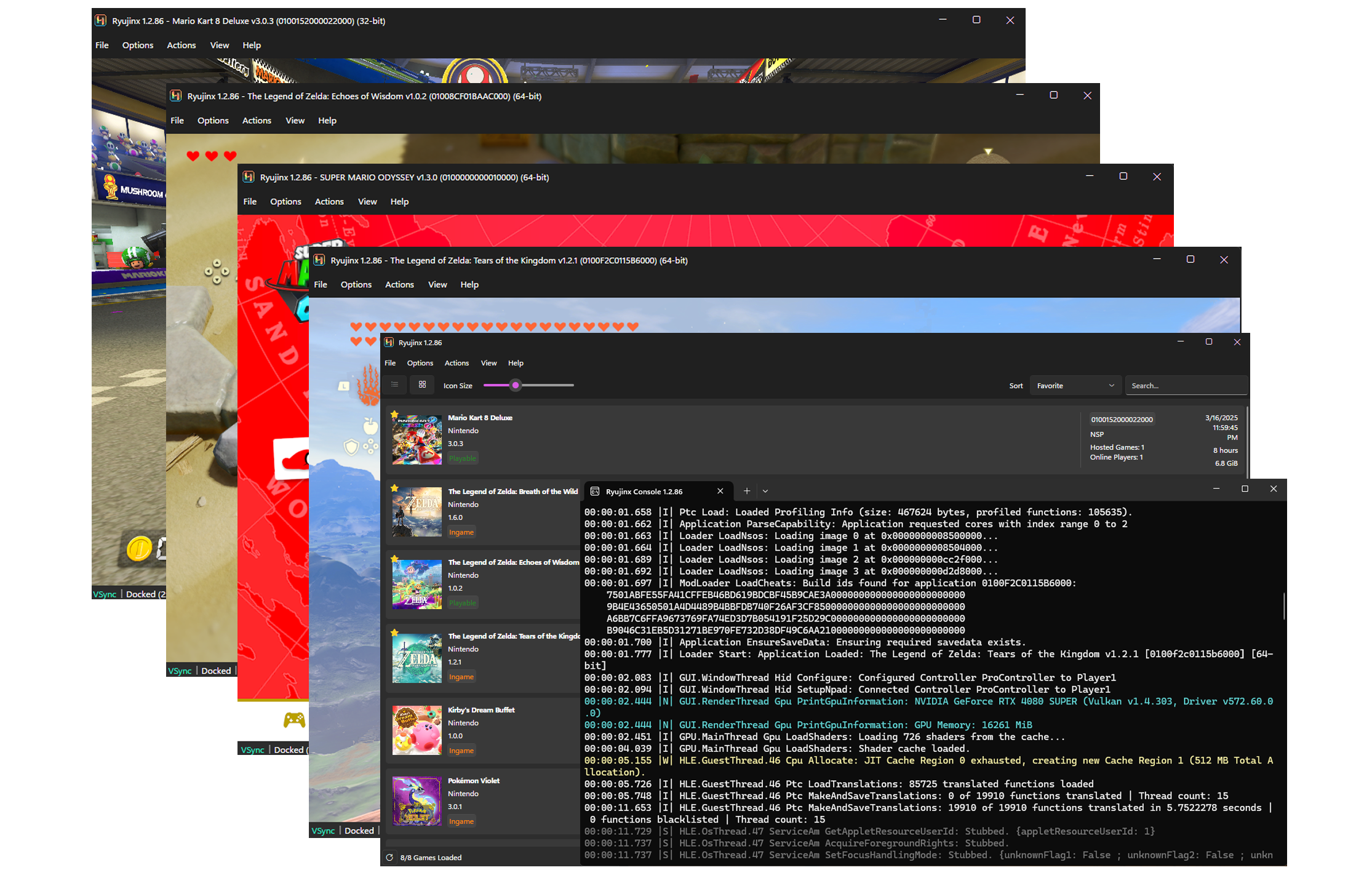
Ryubing is designed to work on multiple operating systems, making it accessible to a wide range of users:
Windows
Ryubing runs on standard Windows PCs as well as ARM-based devices. This means both traditional and modern hardware can use the emulator.
Linux
It supports various Linux distributions, allowing users who prefer open-source operating systems to run and test Nintendo Switch games smoothly.
macOS
Ryubing is also compatible with Apple devices, including Macs with Intel and Apple Silicon (M1/M2 chips), ensuring good performance across the macOS ecosystem.
Key Features of Ryubing
High Performance
Ryubing is optimized to deliver smooth gameplay with minimal lag, ensuring consistent performance across both low-end and high-end systems.
High Accuracy
Ryubing focuses on accurately emulating Nintendo Switch hardware, allowing games to run as intended with fewer glitches and better compatibility.
Vulkan Graphics Support
With Vulkan API support, Ryubing improves rendering efficiency, boosts FPS, and provides better graphical performance. compared to traditional rendering methods.
utomatic Shader
Ryubing automatically compiles shaders in the background, reducing in-game stuttering and providing a smoother, more seamless gameplay experience for users.
Life Improvements
Ryubing includes user-friendly interface updates, simplified settings, and usability enhancements, making it easier for beginners and advanced users to navigate.
How Ryubing Works
Ryubing works by simulating a Nintendo Switch environment on your computer so that Switch games can run smoothly. Here’s a simple step-by-step explanation:
Loads Game Files (ROMs)
Ryubing starts by loading Nintendo Switch game files (commonly called ROMs or game dumps). These files contain all the data needed to run the game.
Switch Hardware Behavior
It then mimics the actual hardware of the Nintendo Switch, such as the CPU, GPU, and memory, so the game thinks it’s running on a real console.
Translates Instructions
Since Switch games are built for a different system, Ryubing translates those instructions into a format your computer (Windows, Linux, or macOS) can understand and execute.
APIs for Graphics Rendering
Ryubing uses modern graphics technologies like Vulkan to render the game’s visuals efficiently, improving performance and stability.
Applies Shader Caching
It stores precompiled shaders (graphics data) so that the game doesn’t need to rebuild them every time, reducing lag and stuttering during gameplay.
Advantages of Ryubing
Free and Open-Source
Ryubing is completely free to use, meaning you don’t have to pay anything to download or run it. Being open-source also means its code is publicly available, so developers can inspect, modify, and improve it over time.
Community Support
Since Ryubing is community-driven, many developers and users contribute to its growth. This results in regular updates, bug fixes, and new features, making the emulator better over time.
Improved Performance
Compared to its base, Ryujinx, Ryubing focuses on optimization. It aims to provide smoother gameplay, better frame rates (FPS), and reduced lag or stuttering.
Cross-Platform
Ryubing works on multiple operating systems, including Windows (even ARM-based devices), Linux, and macOS. This flexibility allows users to run the emulator on different types of computers without limitations.
Who Should Use Ryubing
Run Switch games on PC
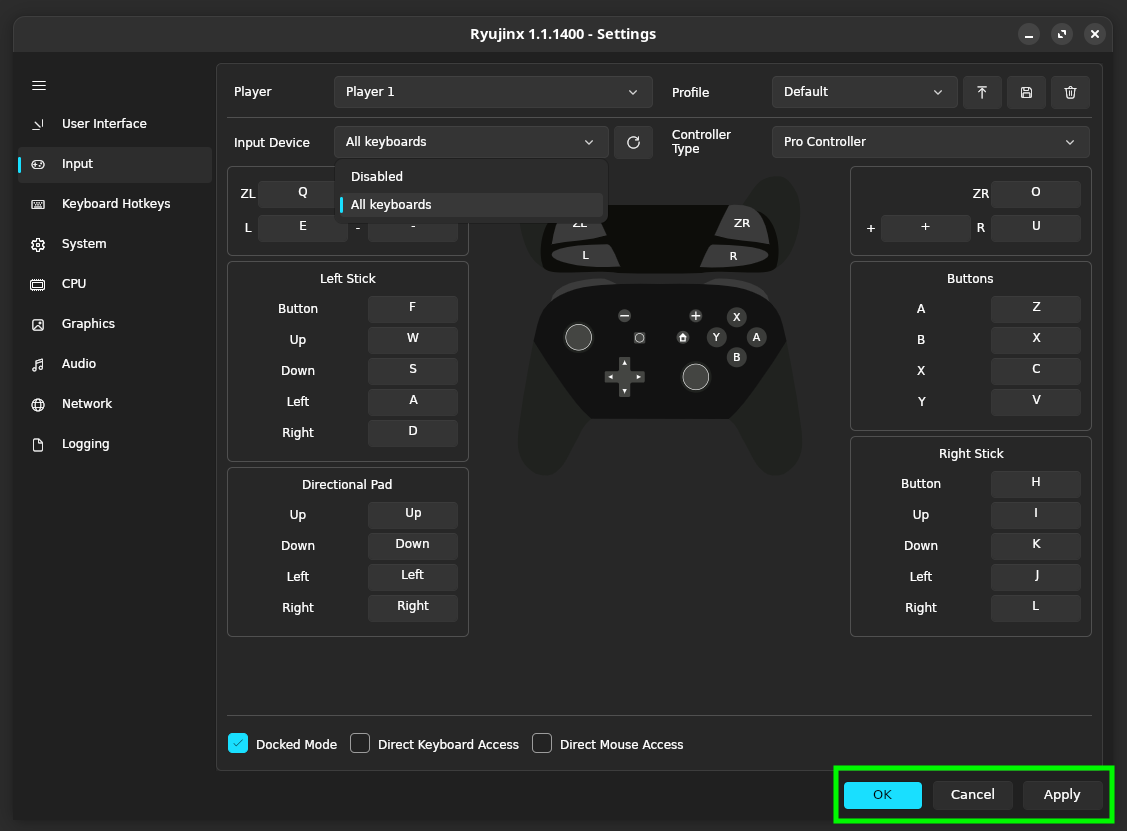
Ryubing is ideal for players who prefer gaming on a computer instead of a console. It allows them to enjoy Nintendo Switch titles with better control options, higher resolutions, and potentially improved performance depending on their system.
Developers and testers
Game developers and software testers can use Ryubing to analyze how games run in an emulated environment. It helps in testing performance, debugging issues, and understanding how different system configurations affect gameplay.
Emulator enthusiasts
People who are passionate about emulation will find Ryubing interesting because it is a community-driven project. It offers new features, ongoing improvements.
Users with ARM devices
Ryubing supports ARM-based systems (such as certain laptops and modern processors), making it a good choice for users who want to run a Nintendo Switch emulator on non-traditional PC architectures.
Is Ryubing Safe to Use?
The safety of Ryubing mainly depends on where you download it from.
Depends on Source/Download
If you download Ryubing from unknown or unofficial websites, there is a risk of malware or modified files. Always be careful with third-party sources.
Open-Source Transparency
Since Ryubing is based on an open-source project like Ryujinx, its code can be reviewed by developers. This transparency helps ensure that the software is generally trustworthy and free from hidden malicious behavior.
Recommended Sources
For maximum safety, you should only download Ryubing from official repositories or trusted community sources (such as GitHub). This reduces the risk of downloading unsafe or altered versions.
How to Download & Install Ryubing
01
Download Ryubing
Go to the official GitHub / release page of Ryubing
- Download the latest version for your OS:
- Windows (.zip)
- Linux (.AppImage / .tar.gz)
- macOS (.dmg)
02
Extract the Files
Go to the official GitHub / release page of Ryubing
- If you downloaded a .zip or .tar.gz:
- Right-click → Extract Here or Extract to folder
- You’ll get a folder containing the emulator files
03
Run Ryubing
- Open the extracted folder
- Double-click:
- Ryubing.exe (Windows)
- Or run via terminal (Linux/macOS)
04
Install Required Firmware
Before running games, you need Nintendo Switch firmware:
- Open Ryubing
- Go to:
- Tools → Install Firmware
- Select your firmware file
05
Add Game Files
- Go to:
- Options → Settings → Game Directories
- Add folder where your games (XCI/NSP) are stored
06
Configure Settings
Before running games, you need Nintendo Switch firmware:
- Set Graphics API = Vulkan (better performance)
- Adjust:
- Resolution
- Controls (keyboard/controller)
FAQ's
What is Ryubing?
Ryubing is an experimental, community-driven fork of the Ryujinx Nintendo Switch emulator, designed to provide high-performance and accurate emulation across Windows, Linux, and macOS.
Who develops Ryubing?
Ryubing is developed and maintained by the community, building on the original Ryujinx project to improve performance, compatibility, and features.
Is Ryubing free to use?
Yes, Ryubing is completely free and open-source for anyone who wants to emulate Nintendo Switch games on their PC or compatible devices.
Which platforms does Ryubing support?
Ryubing supports Windows (including ARM devices), Linux, and macOS.
Why was Ryubing created?
It was created to continue development after the Ryujinx project was discontinued, focusing on performance, Vulkan support, shader compilation, and QoL improvements.
How does Ryubing work?
Ryubing emulates Nintendo Switch hardware on your computer by translating console instructions into PC-compatible commands, rendering graphics using Vulkan or other APIs, and applying optimizations like shader caching.
Does Ryubing support all Nintendo Switch games?
Most games are supported, but since it is experimental, some titles may not run perfectly or may require tweaks.
What is Vulkan support in Ryubing?
Vulkan is a modern graphics API that improves performance and compatibility for Switch games, reducing lag and increasing FPS.
What is automatic shader compilation?
Ryubing compiles game shaders automatically, reducing stutter and improving smoothness during gameplay.
Can I run Ryubing on ARM devices?
Yes, Ryubing supports ARM-based Windows devices, providing emulation even on low-power hardware.
Is Ryubing safe to use?
Yes, as long as you download it from official or trusted community sources. It is open-source, so the code is transparent.
Is Ryubing legal?
The emulator itself is legal. However, downloading copyrighted Nintendo Switch game files (ROMs) without owning the game is illegal.
How is Ryubing different from Ryujinx?
Ryubing improves on Ryujinx by adding better performance, Vulkan graphics, QoL updates, and active community-driven support after Ryujinx was discontinued.
Will Ryubing continue to receive updates?
Yes, the community actively maintains it, improving compatibility, adding new features, and fixing bugs.
Who should use Ryubing?
Gamers, emulator enthusiasts, developers, testers, and users with low-end or ARM devices who want to play Nintendo Switch games on PC.